Rule: https://www.ssw.com.au/rules/ai-inves…
Contact us: https://bit.ly/4fAFrVx

Stop wasting time digging through code! In this practical walkthrough, SSW Solution Architect and Microsoft MVP Gordon Beeming reveals how he uses GitHub Copilot CLI, a powerful meta prompt, and Docker to generate detailed 30+ page investigation reports. Whether you’re onboarding or deep-diving into legacy code, this workflow will help you ask better questions, extract meaningful insights, and produce high-quality documentation in minutes.

Gordon covers everything from setting up your Copilot environment, managing paths, and crafting structured prompts – to exporting clean PDF reports you can store in source control. Supercharge your productivity and let Copilot do the grunt work!

00:00 | Introduction
00:10 | What’s a Meta Prompt?
00:35 | Setting Up the Investigation
00:55 | Prompt Breakdown: Structure & Goals
01:18 | Targeting the Xero Integration
01:38 | Getting SQL Scripts via Prompting
02:00 | Clarifying Questions from Copilot
02:43 | Submitting Scope and Preferences
03:35 | Viewing the Auto-Generated Report
04:32 | Exporting to PDF in VS Code
05:12 | Reviewing and Iterating on Reports

About SSW: https://linktr.ee/SSWTV
Links:
LinkedIn:   / ssw  
Twitter:   / ssw_tv  
Facebook:   / ssw.page  
Instagram:   / ssw_tv  
Tiktok:   / ssw_tv  

Get in touch: Gordon Beeming – SSW Solution Architect + Microsoft MVP
About: https://ssw.com.au/people/gordon-beeming
LinkedIn:   / gordon-beeming  

#GitHubCopilot#AIProgramming#CodeInvestigation#CopilotCLI#MetaPrompt#DeveloperTools#ProductivityHacks#DotNet#SSWTV#DevTips#CopilotYOLO

V3 – Bahjat

About the speakers
About the speakers

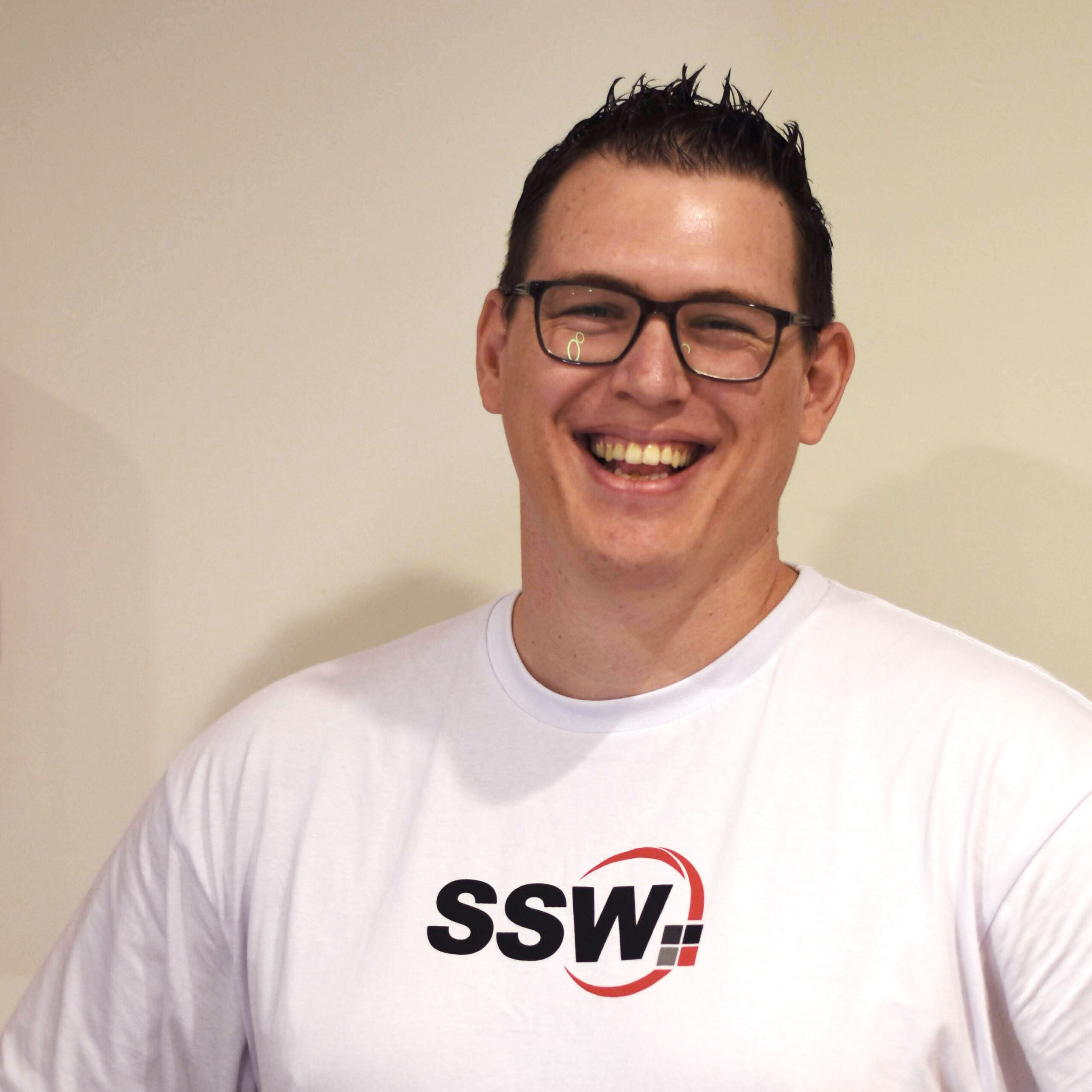
Gordon Beeming

Gordon Beeming is a Solution Architect at SSW and a long-standing Microsoft MVP in Developer Technologies, an award he has held since 2014. With a deep-rooted passion for DevOps, he excels at guiding organizations through the cultural and technical shifts required for modern software development.

Related videos
Related videos

White space – Tips for recording demo | Adam Cogan

Awkward pauses can ruin an otherwise good presentation. In this video, Adam shares a simple tip to handle white space during demos and recordings. By telling your audience what’s about to happen, you avoid silence, cut out useless fillers, and sound more confident. Perfect for product demos, meetings, or presentations on any stage.

Don’t throw things over the fence until you’ve done what you can | Adam Cogan

“Throwing it over the fence” means passing your work or problem to others. This short video delivers one clear message: before you hand something off, do what you can yourself. It’s a simple reminder about responsibility, effort, and ownership in work, teamwork, and daily life.

SSW Strasbourg Office in Europe | Walkthrough with Jean

Hear from SSW Senior Software Engineer Jake Bayliss about the importance of providing context, showcasing your work and asking for questions & direction from Product Owners.

Liking Github issues when they are read | Adam Cogan

“Throwing it over the fence” means passing your work or problem to others. This short video delivers one clear message: before you hand something off, do what you can yourself. It’s a simple reminder about responsibility, effort, and ownership in work, teamwork, and daily life.

How to supercharge a company with AI | Ulysses Maclaren

Explore how AI is transforming businesses right now! In this video, Ulysses Maclaren from SSW walks us through the innovative ways AI is being used at Tina CMS. From automating customer interactions to analyzing vast amounts of data and even managing sales leads, AI is revolutionizing workflows

SSW FireBootCamp Journey to become a .NET developer (Story 2) | Jeoffrey Fischer & Isaac Lombard

Hear firsthand from SSW’s graduates about their learning journey with FireBootCamp.

Efficient Task Management with Microsoft Loop Tutorial | Tanya Leahy | SSW Rules

Discover how to streamline your task management with Microsoft Loop! In this video, Tanya Le, the Operations Coordinator at SSW, demonstrates how to create a shared, real-time workspace that you and your boss can edit together. Perfect for those unexpected calls from busy bosses. Learn step-by-step how to set up and use Microsoft Loop within Microsoft Teams, making it accessible anytime, anywhere. Don’t miss this essential productivity tip!

The importance of annual reviews for developers | Adam Cogan & Ulysses Maclaren | SSW Rules

Join SSW’s Chief Architect, Adam Cogan and SSW’s General Manager, Ulysses Maclaren as they discuss the importance of annual reviews for Software Developers, emphasizing the must-haves and the “icing on the cake”. Learn about key metrics, from billability to mentorship, and discover how to balance essential tasks with additional contributions to make the most out of your annual review.

SSW FireBootCamp Journey to become a .NET developer (Story 1) | Ella Smith & Josh Berman

Looking to get started into the software industry but struggling with the ‘experience required’ dilemma? Hear firsthand from SSW’s graduates about their learning journey with FireBootCamp, SSW’s internship program available in Australia, China and France. Discover how they gained valuable experience, learned essential soft skills, and thrived in a supportive environment alongside senior developers. Get inspired to level up your skills and jumpstart your career with FireBootCamp!

Talk before emailing – are you gold or silver? | Adam Cogan & Andrew Harris | SSW Rules

In this interview, SSW’s Chief Architect Adam Cogan sits down with SSW’s Solution Architect Andrew Harris to discuss the importance and evolution of the “As per our conversation” SSW Rule in email communication. They discuss the importance of confirming conversations, the challenges some face in following it, and the value it brings to any business communication. Join the conversation and share your insights in the comments!