Rule: https://www.ssw.com.au/rules/ai-inves…
Contact us: https://bit.ly/4fAFrVx
Stop wasting time digging through code! In this practical walkthrough, SSW Solution Architect and Microsoft MVP Gordon Beeming reveals how he uses GitHub Copilot CLI, a powerful meta prompt, and Docker to generate detailed 30+ page investigation reports. Whether you’re onboarding or deep-diving into legacy code, this workflow will help you ask better questions, extract meaningful insights, and produce high-quality documentation in minutes.
Gordon covers everything from setting up your Copilot environment, managing paths, and crafting structured prompts – to exporting clean PDF reports you can store in source control. Supercharge your productivity and let Copilot do the grunt work!
00:00 | Introduction
00:10 | What’s a Meta Prompt?
00:35 | Setting Up the Investigation
00:55 | Prompt Breakdown: Structure & Goals
01:18 | Targeting the Xero Integration
01:38 | Getting SQL Scripts via Prompting
02:00 | Clarifying Questions from Copilot
02:43 | Submitting Scope and Preferences
03:35 | Viewing the Auto-Generated Report
04:32 | Exporting to PDF in VS Code
05:12 | Reviewing and Iterating on Reports
About SSW: https://linktr.ee/SSWTV
Links:
LinkedIn: / ssw
Twitter: / ssw_tv
Facebook: / ssw.page
Instagram: / ssw_tv
Tiktok: / ssw_tv
Get in touch: Gordon Beeming – SSW Solution Architect + Microsoft MVP
About: https://ssw.com.au/people/gordon-beeming
LinkedIn: / gordon-beeming
#GitHubCopilot#AIProgramming#CodeInvestigation#CopilotCLI#MetaPrompt#DeveloperTools#ProductivityHacks#DotNet#SSWTV#DevTips#CopilotYOLO
V3 – Bahjat

About the speakers
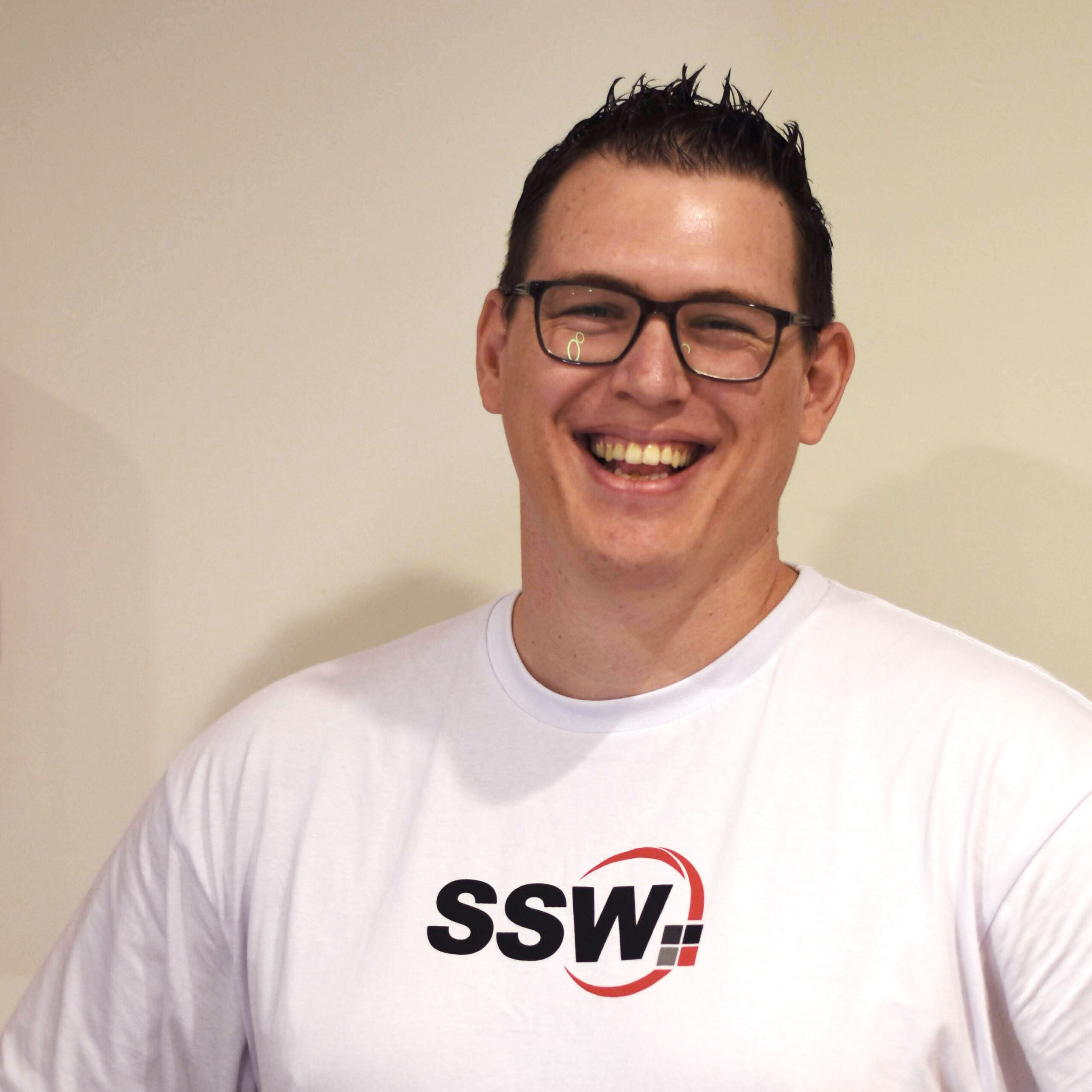
Gordon Beeming
Gordon Beeming is a Solution Architect at SSW and a long-standing Microsoft MVP in Developer Technologies, an award he has held since 2014. With a deep-rooted passion for DevOps, he excels at guiding organizations through the cultural and technical shifts required for modern software development.
Related videos