https://www.ssw.com.au/rules/done-video
📞 Contact us: https://bit.ly/4fAFrVx
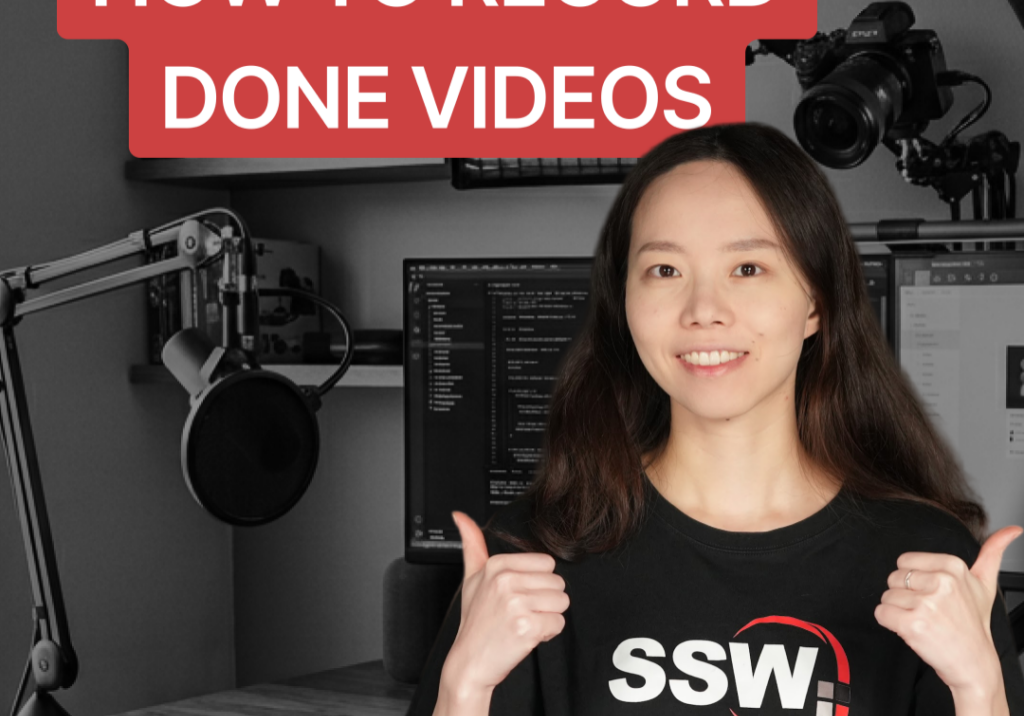
Need to show your product owner or team that a task is actually finished? A ‘Done Video’ is the perfect way to demo your work. In this video, Sylvia Huang shows you how to easily set up, record, and check your video using OBS Studio.
00:00 | Intro
00:08 | Step 1: Plug in your laptop and monitor
00:20 | Step 2: Check your camera settings
00:26 | Step 3: Turn on the front light
00:33 | Step 4: Start recording in OBS
00:51 | Step 5: Check your recorded video
01:06 | Outro
Follow us:
LinkedIn: https://linkedin.com/company/ssw/
Twitter: https://twitter.com/ssw_tv
Facebook: https://facebook.com/SSW.page
Instagram: https://instagram.com/ssw_tv
Tiktok: https://www.tiktok.com/@ssw_tv
For more information about SSW’s consulting services, please visit https://ssw.com.au/
👋 Get in touch: Sylvia Huang – Senior Software Engineer
About: https://www.ssw.com.au/people/sylvia-huang
LinkedIn: https://www.linkedin.com/in/sylvia-huang-265872119
#OBSStudio #VideoRecording #DoneVideo #SSWRules #SoftwareEngineering #TechTips
V4 – Pam

About the speakers

Sylvia Huang
Sylvia is a Software Developer based in SSW Hangzhou Office. She has worked in both Canada and China and is experienced in collaborating with global teams remotely. With over four years of experience in full stack development, Sylvia has been practicing Scrum methodology and was involved in many projects that built applications from scratch. Through these projects, she has gained extensive knowledge in e-commerce, banking, business intelligence, government affairs and many more.
Related videos