Contact us: https://bit.ly/4fAFrVx


Stay ahead with the latest in tech! In this month’s SSW Tech News, Eve Cogan breaks down the evolving landscape of AI, from GPT-5’s controversial unified system and Microsoft’s growing influence over GitHub, to Google’s Genie 3 creating virtual worlds in real time. We also explore China’s rising AI star Qwen 3, and how education is finally beginning to embrace generative AI with thoughtful tools like OpenAI’s Study Mode and Google’s Guided Learning. Packed with insight, analysis, and even a little meme commentary, this episode is your monthly AI reality check.


00:00 | Introduction
00:37 | GPT-5 Launch & Unified System
01:35 | Cold AI? User Sentiment on GPT-5
02:08 | OpenAI Restores Legacy Models
02:40 | GPT-5 Powers Azure AI Foundry
03:12 | Microsoft Tightens Grip on GitHub
04:31 | Google Genie 3 – Real-Time World Generation
06:52 | Alibaba’s Qwen 3 Rivals Claude
07:46 | Study Mode & Guided Learning in AI
09:10 | AI in Aussie Education: What’s Next?

About SSW: https://linktr.ee/SSWTV

Tech News Links:
GPT-5 – https://openai.com/index/introducing-…
Azure AI Foundry runs with GPT-5 – https://azure.microsoft.com/en-us/blo…
GitHub – https://www.theverge.com/news/757461/…
Genie 3 – https://deepmind.google/discover/blog…
Qwen – https://qwenlm.github.io/blog/qwen3-c…
AI Education – https://openai.com/index/chatgpt-stud…
https://blog.google/products/gemini/g…

Links:
LinkedIn:   / ssw  
Twitter:   / ssw_tv  
Facebook:   / ssw.page  
Instagram:   / ssw_tv  
Tiktok:   / ssw_tv  

Get in touch:
Eve Cogan – SSW Multimedia Producer
About: https://www.ssw.com.au/people/eve-cogan/
LinkedIn:   / evecogan  

#AI#technews#imagegeneration#SSWTech#OpenAI#Microsoft#studioghibli#tarrifs

V2 – Bahjat

About the speakers
About the speakers

Eve Cogan

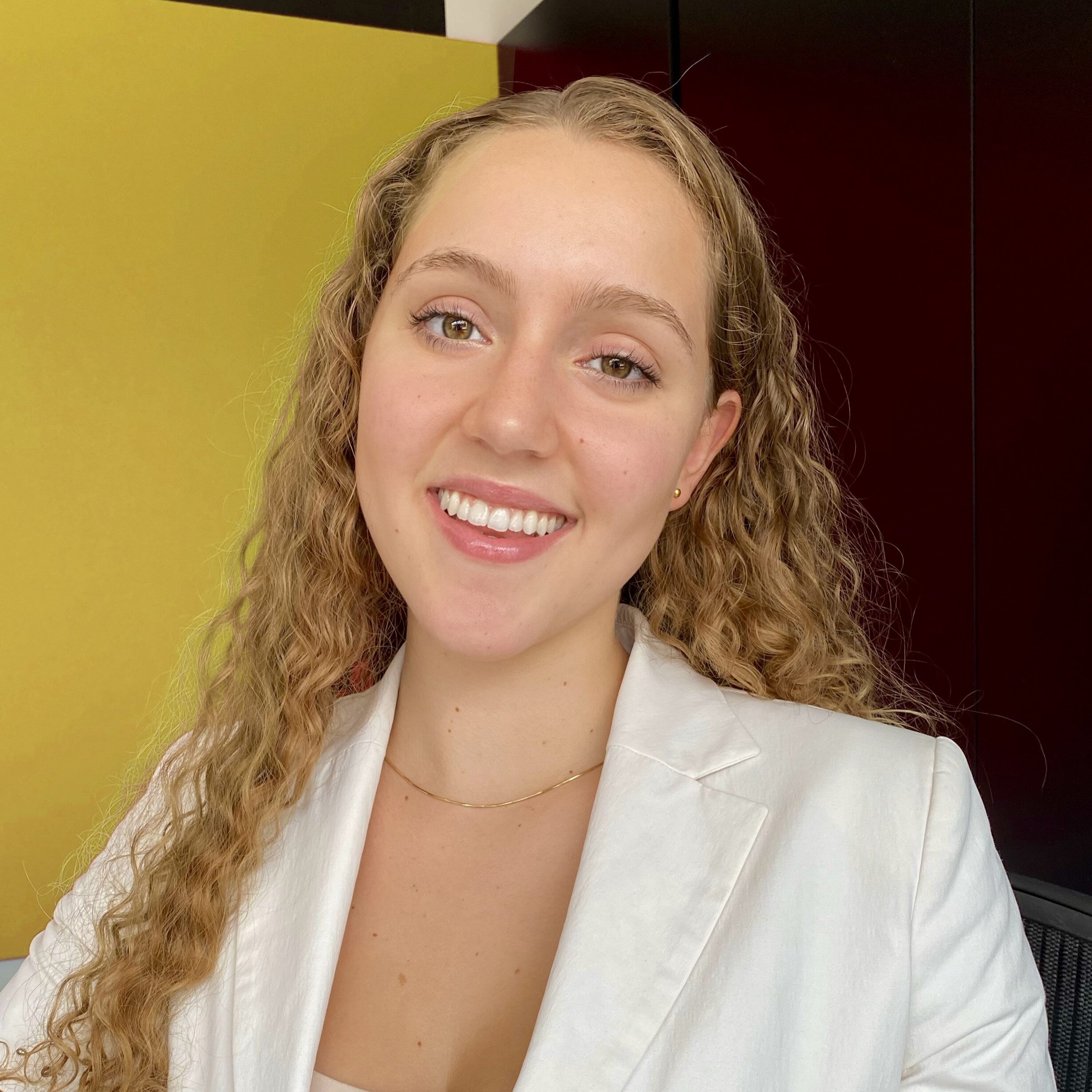
Eve Cogan is a university student and part-time employee at SSW. She helps with all things media and writing-related, as well as making sure the marketing and social media is beautiful.

Adam is currently working on TinaCMS - the world's best Markdown GitHub editor.

Related videos

Related videos

Microsoft Teams Etiquette: Simple Habits That Make Meetings Better | Adam Cogan

Whether you’re working remotely or in the office, small habits can make a huge difference in Microsoft Teams meetings. In this video, Adam Cogan shares practical etiquette tips to help meetings run more smoothly—from introducing people who join the room, to announcing yourself when joining a call, using screen sharing respectfully, and ending meetings with a recorded summary that can automatically create a Product Backlog Item (PBI).

These simple communication habits improve collaboration, reduce confusion, and make hybrid meetings more inclusive and productive.

Treat Your Code Like Uranium | Adam Cogan

Adam Cogan shares a striking story comparing two World War II factories—one ordinary, one handling uranium—and the surprising lesson that the uranium workers lived longer because they followed disciplined, risk-aware practices. He connects that idea to software teams: the best outcomes come from careful habits like automated tests, telemetry, pull requests, retrospectives, shared rules, and good tools. The message is simple: treat software delivery with the same respect as dangerous work, and you’ll reduce stress, avoid chaos, and get better results.

3 Tips for Better Video Recordings | Adam Cogan

Great coaching can dramatically improve how you present, communicate, and learn. In this video, Adam Cogan shares 3 practical coaching tips that SSW uses every day—from onboarding and role plays to improving video delivery. He explains why having a coach matters, why immediate interruption beats delayed feedback, and how repeating corrections helps lock in better habits.

TinaCMS + Fumadocs: Bring Visual Editing to Your Docs | Hark Singh

Discover how to connect Playwright with AI agents and unlock powerful workflows.

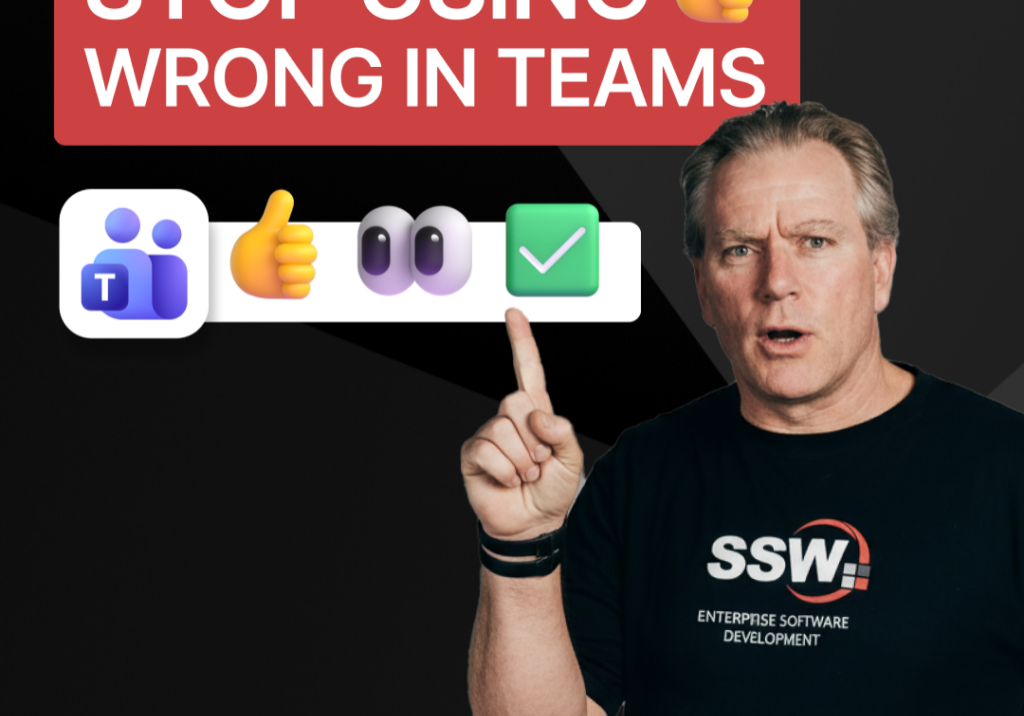
Stop Using 👍 Wrong in Teams | Adam Cogan

A quick communication tip from Adam Cogan: don’t use 👍 as a catch-all response when someone assigns you a task in Teams, Slack, or Google Chat. In the example Adam gives, if a task will take about five minutes, a thumbs up is too ambiguous because it does not clearly say whether you’ve read it, agree with it, are doing it now, or will do it later. Instead, use 👍 for agreement, 👀 to show you’ve seen the task and are actively working on it, and then replace 👀 with ✅ once the task is done. It is a small change, but it removes ambiguity and cuts down unnecessary follow-up messages.

How to record a done video in SSW | Sylvia Huang | SSW Rules

Sylvia Huang from SSW shares her SSW Cultural Exchange experience from Hangzhou, China to Australia

4 Essential Sales Tips for Engineers | Adam Cogan

Not a salesman? No problem. Adam Cogan shares 4 practical tips to help engineers navigate sales meetings with confidence. Learn how to stop “selling” and start solving, how to talk numbers without the awkwardness, and why being transparent about your process wins more clients.

Do you explain why you’ve deleted or updated an appointment? | Adam Cogan | SSW Rules

Ever wonder why a meeting was moved or cancelled? Adam Cogan explains the “Secret Ingredient” to professional scheduling: always include a version history and reason for change at the top of your appointments. Improve clarity, keep a record of changes, and hold participants accountable with this simple SSW Rule.

Chat first before changing others’ code | Adam Cogan

Changing someone else’s code? Don’t just dive in! Adam explains why it’s important to check the source history and talk to the original developer before making changes. A quick chat can save headaches and keep everyone on the same page. Perfect advice for devs working in teams!

SSW TimePro – Create a new tenant | Jeoffrey Fischer

Learn how to provision a new tenant in TimePro and sync it with an external Dynamics 365 CRM system.