Calum Simpson explores the fascinating world of chat GPT and its creative applications. From smart home automation to content generation, he unveils three groundbreaking ideas that leverage the power of AI. Discover how chat GPT can output commands and instructions for other systems, making your home smarter and more efficient. Witness the potential of automated content generation and its impact on your productivity. Get inspired and join the future of innovation!

00:00:00 – Introduction

00:00:04 – Creative Applications of Chat GPT

00:00:46 – Smart Home Automation

00:05:37 – Content Generation Automation

00:07:56 – Clever Gift Ideas

00:10:43 – Conclusion 

🔗 Links: Rule: https://www.ssw.com.au/rules/rules-to…

Need help?: https://www.ssw.com.au/consulting/art…

Exploring the Capabilities of ChatGPT | Calum Simpson | User Group: https://youtu.be/F06MV1qm51Y

SSW RulesGPT: https://rulesgpt.ssw.com.au/

Tea Treasury : https://www.teatreasury.com/


🌐 Follow us:
LinkedIn: https://linkedin.com/company/ssw/
Twitter: https://twitter.com/ssw_tv
Facebook: https://facebook.com/SSW.page
Instagram: https://instagram.com/ssw_tv
Tiktok: https://www.tiktok.com/@ssw_tv

👋 Get in touch: Calum Simpson– SSW Solution Architect

About: https://www.ssw.com.au/people/calum-s…

#ChatBots #ChatGPT #NaturalLanguageProcessing #ArtificialIntelligence #UserExperience #BusinessApplications #Automation #ConversationalAI #AI #Tutorial #VideoGuide #IntelligentResponses #Comprehensive #EnhancedCommunication #TimeSaving #Technology

v5 – Marcus

About the speakers

About the speakers

Calum Simpson

Calum is an enterprise software consultant specialising in Microsoft technologies - Azure, SharePoint, Dynamics 365/Power Platform, C# .NET, plus experience in Angular and React.

He has over 8 years of experience working on web projects of various sizes ranging from a 2-person start up to one of the largest companies in Australia.

Aside from developing web projects, he is also interested in electrical engineering and financial quantitative analysis.

Related videos
Related videos

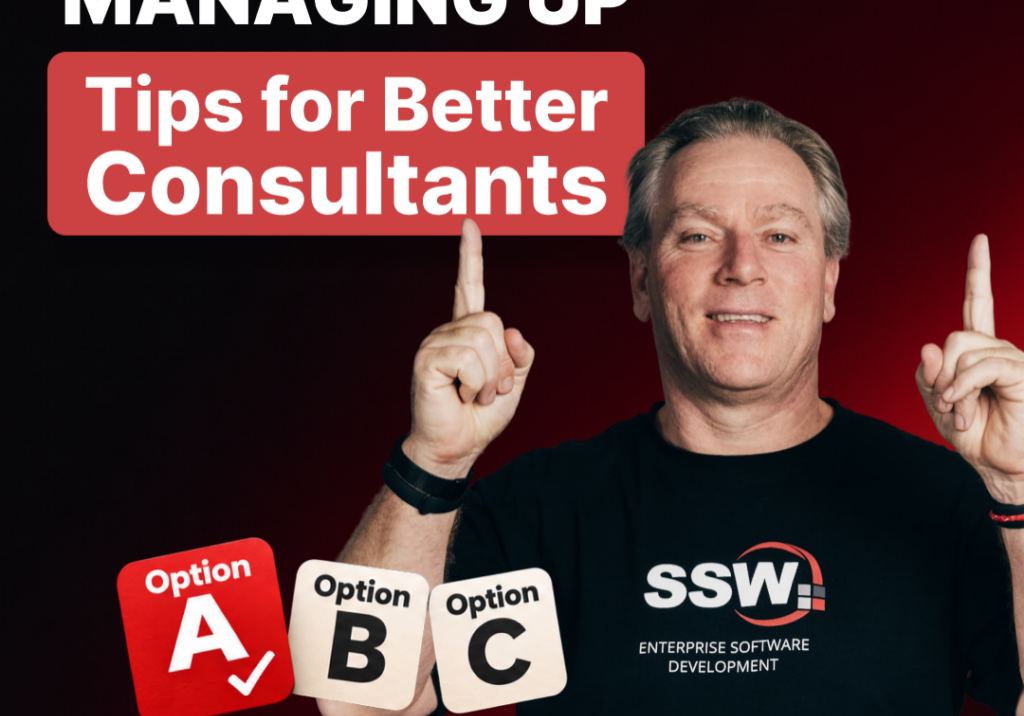
Want to be a better consultant? Master the art of managing up | Adam Cogan | SSW Rules

Want to become a better consultant and accelerate your career? Stop bringing problems to your manager and start bringing solutions!

Join SSW’s Adam Cogan in the beautiful city of Strasbourg, France, as he shares practical tips on managing up, a skill that helps you become more proactive, build trust with your manager, and make better decisions.

Adam explains why presenting options with a clear recommendation is far more effective than simply asking your manager what to do. Using real-world consulting examples, he demonstrates how to evaluate resource decisions, communicate your preferred solution, and help managers make faster decisions.

You’ll also discover how to manage up when you’re CC’d on an important email. Instead of waiting for your manager to ask for advice, learn how to proactively draft a suggested response, share your expertise, and save valuable time.

Whether you’re a developer, consultant, architect, or team leader, these simple habits can help you take ownership, demonstrate initiative, and grow professionally.

Takeaway: Don’t just identify the problem. Present the options, recommend the best one, and explain why.

Tick and Flick! 3 tips for better Sprint Reviews | Adam Cogan | SSW Rules

Want better Sprint Reviews? Adam Cogan shares 3 practical tips to keep your reviews short, engaging, and valuable. Learn how to use the “tick and flick” approach, involve stakeholders, and turn feedback into action.

Vibe Coding is fast, but is it Enterprise Ready? | Adam Cogan | SSW Rules

Vibe coding is transforming software development, allowing developers to build features in minutes instead of days. But does faster coding mean better software?

In this SSW TV episode, Adam Cogan explores the excitement and hidden challenges of AI-powered development. Using a Formula 1 analogy, he explains why speed alone isn’t enough when navigating the complexities of architecture, security, testing, and maintainability.

Discover how enterprise vibe coding, or AI-assisted engineering, combines the speed of AI with the right architecture, context, and guardrails to build reliable, maintainable software.

🚀 Enjoy the speed, but don’t forget the corners!

Microsoft Teams Etiquette: Simple Habits That Make Meetings Better | Adam Cogan

Whether you’re working remotely or in the office, small habits can make a huge difference in Microsoft Teams meetings.

Treat Your Code Like Uranium | Adam Cogan

Adam Cogan shares a striking story comparing two World War II factories—one ordinary, one handling uranium—and the surprising lesson that the uranium workers lived longer because they followed disciplined, risk-aware practices. He connects that idea to software teams: the best outcomes come from careful habits like automated tests, telemetry, pull requests, retrospectives, shared rules, and good tools. The message is simple: treat software delivery with the same respect as dangerous work, and you’ll reduce stress, avoid chaos, and get better results.

3 Tips for Better Video Recordings | Adam Cogan

Great coaching can dramatically improve how you present, communicate, and learn. In this video, Adam Cogan shares 3 practical coaching tips that SSW uses every day—from onboarding and role plays to improving video delivery. He explains why having a coach matters, why immediate interruption beats delayed feedback, and how repeating corrections helps lock in better habits.

TinaCMS + Fumadocs: Bring Visual Editing to Your Docs | Hark Singh

Discover how to connect Playwright with AI agents and unlock powerful workflows.

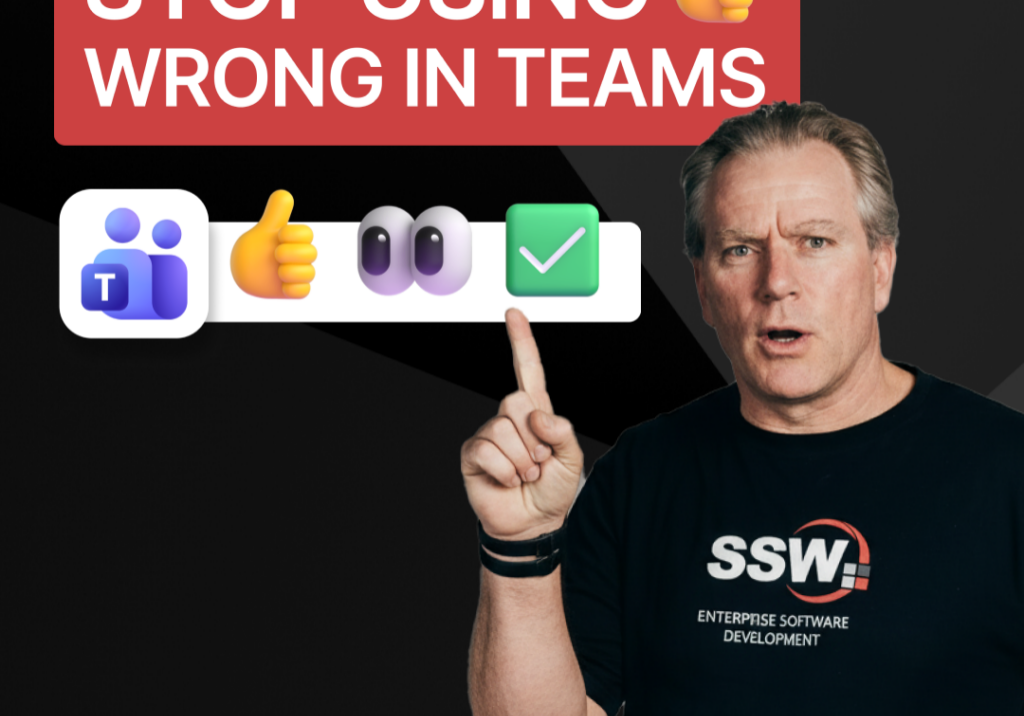
Stop Using 👍 Wrong in Teams | Adam Cogan

A quick communication tip from Adam Cogan: don’t use 👍 as a catch-all response when someone assigns you a task in Teams, Slack, or Google Chat. In the example Adam gives, if a task will take about five minutes, a thumbs up is too ambiguous because it does not clearly say whether you’ve read it, agree with it, are doing it now, or will do it later. Instead, use 👍 for agreement, 👀 to show you’ve seen the task and are actively working on it, and then replace 👀 with ✅ once the task is done. It is a small change, but it removes ambiguity and cuts down unnecessary follow-up messages.

How to record a done video in SSW | Sylvia Huang | SSW Rules

Sylvia Huang from SSW shares her SSW Cultural Exchange experience from Hangzhou, China to Australia

4 Essential Sales Tips for Engineers | Adam Cogan

Not a salesman? No problem. Adam Cogan shares 4 practical tips to help engineers navigate sales meetings with confidence. Learn how to stop “selling” and start solving, how to talk numbers without the awkwardness, and why being transparent about your process wins more clients.