This feature packed series is designed to bring developers up-to-speed on the new features and benefits of using Microsoft Azure to build awesome cloud-based applications.

At SSW we have already gone through the hard work of learning how to implement apps on Azure and we will be showing you everything you need to know in a day to get started.

Part 1: Azure App Services and DevOps Projects

In this part we give you an overview of the services you need to build and host Enterprise Web Applications on Azure.

Using Azure DevOps Projects, we will show you how to easily build, test and deploy an application on any Azure service in a few simple steps.

You will learn about:

– App Service Plans
– Web Apps (also known as App Services)
– Mobile Apps
– API Apps
– Functions Apps
– Source Repositories
– Automated Cloud-powered CI/CD pipelines
– Application Insights integration
– Product Backlog

Part 2: Data

Azure has many different types of Storage services. We will show you how you can serve your data from Azure to be globally accessible and able to perform under high read & write loads.

You will learn about:

– Azure Storage (Blob, File, Table, Queue)
– Azure SQL Server
– Azure CosmosDB

Part 3: CosmosDB

Part 4: Azure AD B2C

Using Azure Active Directory B2C (Business to Consumer) you can connect customers from around the globe to your application. We will show you how to securely connect your customers to your application using industry standard protocols to make identity management easy.

You will learn about:

– Azure AD B2C
– Branded Sign-up and Sign-in Experiences
– Connect via Social Networks
– Enable Multifactor Authentication

Part 5: API Management

With Azure API Management you can take any backend system, hosted anywhere, and expose it through a modern API gateway.

You will learn about:

– Azure API Management
– Publish your existing APIs for consumers
– Debug your API
– Monitor traffic through the API
– Protect your back-end services

Part 6: Logic Apps

Azure Logic Apps are used to automate business processes, complete tasks and orchestrate workflows. They are especially powerful when you are integrating with other applications, data sources and services.

We will show you how to build a scalable integration solution that uses some of the available connectors to securely access and process data in real-time.

You will learn about:

– Logic Apps
– Connectors

Part 7: Cognitive Services

Azure Cognitive Services enables your applications to harness the power of Artificial Intelligence and Machine Learning.

You will learn how to make your applications see, hear, understand and speak using:

– Face Recognition
– Text Analytics

Part 8: Bots

Bots are front and centre of Application Modernization. Your employees demand to be empowered and they want to find information and if they are Gen-Y they don’t want to have a conversation with anyone except a Bot. Many companies are finding that their Corporate Bots are quickly taking over the way users interact with their applications.

Using Azure Bot Services you will learn about:

– Making a Question and Answer Bot (QnA Maker)
– Language Understanding (LUIS)

About the speakers

About the speakers

William Liebenberg

William Liebenberg is a Solution Architect at SSW with almost 15 years of professional experience. He loves building enterprise-grade applications and sharing what he learns along the way. Currently he specializes in Azure, .NET Core, Angular, and Azure DevOps. William also presents the SSW Azure Superpowers Tour around Australia and hosts the Melbourne .NET User Group.

Related videos

Related videos

Microsoft Teams Etiquette: Simple Habits That Make Meetings Better | Adam Cogan

Whether you’re working remotely or in the office, small habits can make a huge difference in Microsoft Teams meetings. In this video, Adam Cogan shares practical etiquette tips to help meetings run more smoothly—from introducing people who join the room, to announcing yourself when joining a call, using screen sharing respectfully, and ending meetings with a recorded summary that can automatically create a Product Backlog Item (PBI).

These simple communication habits improve collaboration, reduce confusion, and make hybrid meetings more inclusive and productive.

Treat Your Code Like Uranium | Adam Cogan

Adam Cogan shares a striking story comparing two World War II factories—one ordinary, one handling uranium—and the surprising lesson that the uranium workers lived longer because they followed disciplined, risk-aware practices. He connects that idea to software teams: the best outcomes come from careful habits like automated tests, telemetry, pull requests, retrospectives, shared rules, and good tools. The message is simple: treat software delivery with the same respect as dangerous work, and you’ll reduce stress, avoid chaos, and get better results.

3 Tips for Better Video Recordings | Adam Cogan

Great coaching can dramatically improve how you present, communicate, and learn. In this video, Adam Cogan shares 3 practical coaching tips that SSW uses every day—from onboarding and role plays to improving video delivery. He explains why having a coach matters, why immediate interruption beats delayed feedback, and how repeating corrections helps lock in better habits.

TinaCMS + Fumadocs: Bring Visual Editing to Your Docs | Hark Singh

Discover how to connect Playwright with AI agents and unlock powerful workflows.

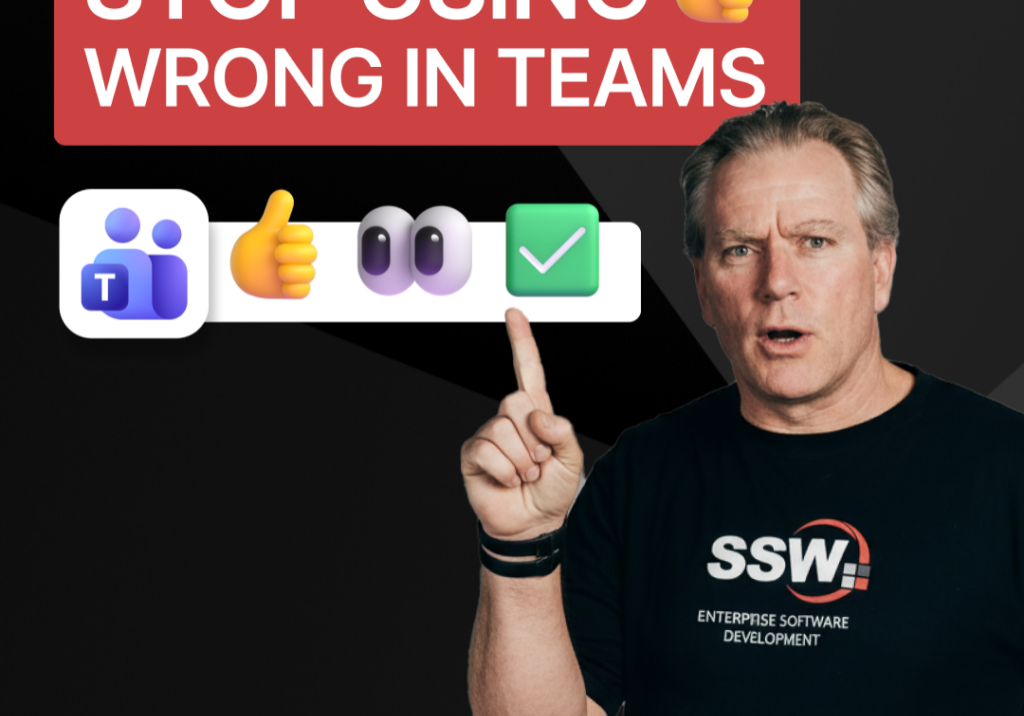
Stop Using 👍 Wrong in Teams | Adam Cogan

A quick communication tip from Adam Cogan: don’t use 👍 as a catch-all response when someone assigns you a task in Teams, Slack, or Google Chat. In the example Adam gives, if a task will take about five minutes, a thumbs up is too ambiguous because it does not clearly say whether you’ve read it, agree with it, are doing it now, or will do it later. Instead, use 👍 for agreement, 👀 to show you’ve seen the task and are actively working on it, and then replace 👀 with ✅ once the task is done. It is a small change, but it removes ambiguity and cuts down unnecessary follow-up messages.

How to record a done video in SSW | Sylvia Huang | SSW Rules

Sylvia Huang from SSW shares her SSW Cultural Exchange experience from Hangzhou, China to Australia

4 Essential Sales Tips for Engineers | Adam Cogan

Not a salesman? No problem. Adam Cogan shares 4 practical tips to help engineers navigate sales meetings with confidence. Learn how to stop “selling” and start solving, how to talk numbers without the awkwardness, and why being transparent about your process wins more clients.

Do you explain why you’ve deleted or updated an appointment? | Adam Cogan | SSW Rules

Ever wonder why a meeting was moved or cancelled? Adam Cogan explains the “Secret Ingredient” to professional scheduling: always include a version history and reason for change at the top of your appointments. Improve clarity, keep a record of changes, and hold participants accountable with this simple SSW Rule.

Chat first before changing others’ code | Adam Cogan

Changing someone else’s code? Don’t just dive in! Adam explains why it’s important to check the source history and talk to the original developer before making changes. A quick chat can save headaches and keep everyone on the same page. Perfect advice for devs working in teams!

SSW TimePro – Create a new tenant | Jeoffrey Fischer

Learn how to provision a new tenant in TimePro and sync it with an external Dynamics 365 CRM system.