Tired of setting up a new subscription every time you want to test an AI model? In this video, Isaac Lombard and Caleb Williams from SSW show you how to quickly test different AI models using GitHub Models. No more configuring separate APIs—just tweak the settings and try multiple providers like OpenAI’s GPT-4, Meta’s Llama, and more, all in one place!
00:00 | Introduction
00:17 | The hassle of setting up AI models
00:44 | What is GitHub Models?
01:09 | Which AI models can you test?
01:35 | Is it really free?
01:56 | Live demo in Node.js
02:15 | Switching between different models
02:25 | Final thoughts
Links:
GitHub Models: https://github.com/marketplace/models-github
Rule: https://www.ssw.com.au/rules/how-to-name-documents/
https://www.ssw.com.au/rules/clear-meaningful-names/
https://www.ssw.com.au/rules/avoid-generic-names/
Need help? https://www.ssw.com.au/consulting
Follow us:
https://linkedin.com/company/ssw/
Twitter: https://twitter.com/ssw_tv
Facebook:https://facebook.com/SSW.page
https://instagram.com/ssw_tv
https://www.tiktok.com/@ssw_tv
Get in touch:
Isaac Lombard – SSW Software Developer
About: https://www.ssw.com.au/people/isaac-lombard
Caleb Williams – SSW Software Developer
About: https://www.ssw.com.au/people/caleb-williams
For more information about SSW’s consulting services, please visit https://ssw.com.au
#SSWRules #GitHubModels #AIDevelopment #OpenAI #MetaLlama #GPT4 #SoftwareEngineering
v4 – Marcus

About the speakers
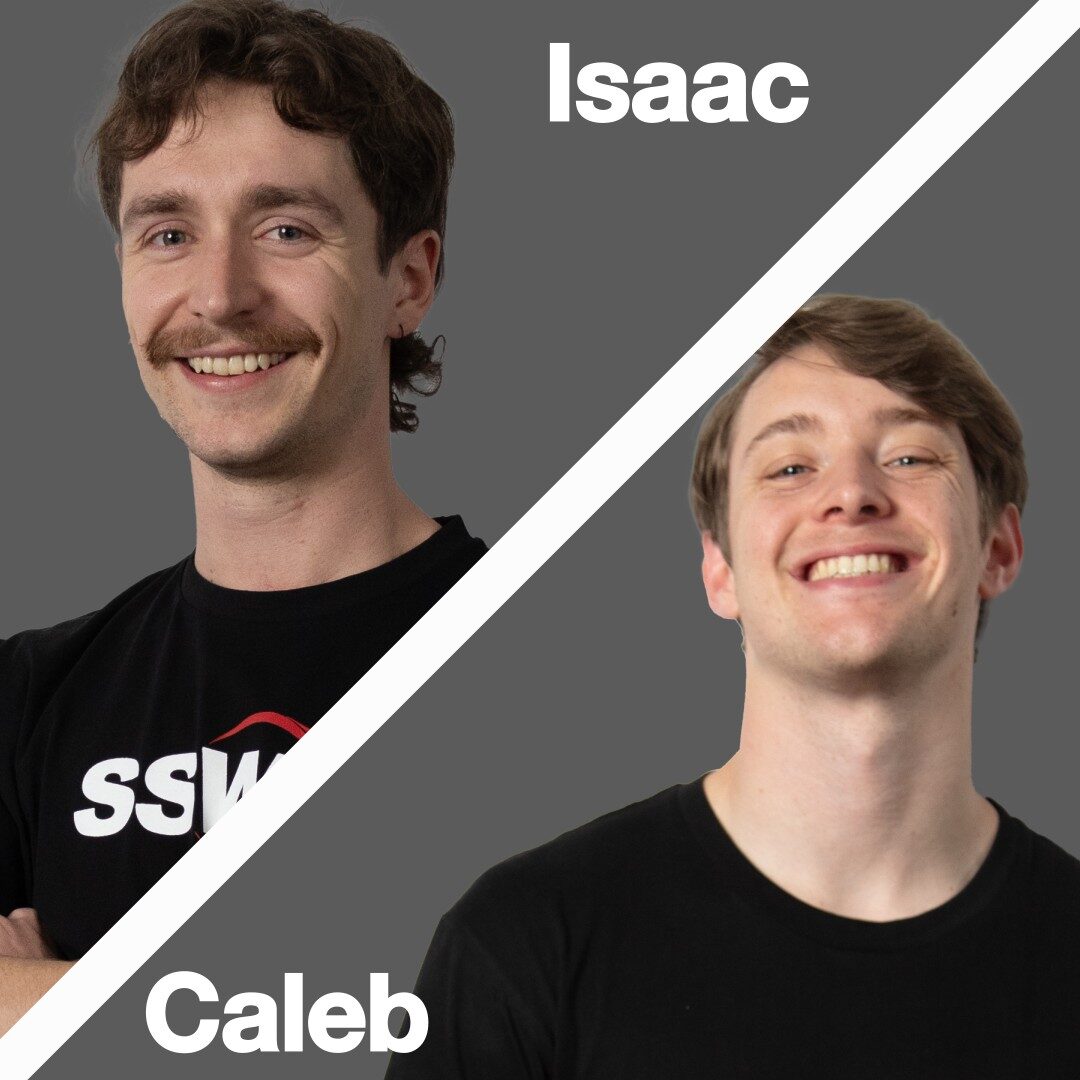
Isaac Lombard & Caleb Williams
Isaac is a dedicated SSW Full-Stack Software Developer based in Sydney, crafting innovative software solutions. Currently completing his honours year in a Bachelor of Engineering (Software Engineering) at The University of Sydney, Isaac bridges academic insights with practical industry experience.
He honed his skills through SSW's intensive FireBootCamp, where he worked with senior developers to deliver an end-to-end software solution using .NET and Angular. This experience shaped his commitment to clean architecture, agile practices, and test-driven development.
Caleb has proficiencies with .NET, SQL Server, MySQL and EF Core, but he primarily stands out as a front end developer. He has skills integrating websites with both React and Angular, including a proven ability to develop performant websites with server components using Next.js. This combination of skills means that Caleb excels at configuring performat React projects with external dependencies, including React projects leveraging TinaCMS.
Related videos