Today, 84% of Agile teams are using Scrum.

Gerard will guide you through what’s new in Team Foundation Server 2012, changes in the Visual Studio Scrum template, how to use the new Agile project management tools, and many other best practices.

He will create and manage a product backlog, forecast and plan work for a Sprint, and manage the Sprint tasks using the new tools in TFS.

This is a must watch for anyone who is considering adopting TFS 2012 for their Agile developments.

Gerard’s slides are available on SlideShare here.

You can contact Gerard via his twitter: @GerardBeckerleg

About the speakers

About the speakers

TFS Master

Gerard Beckerleg is a Solution Architect at SSW in Sydney since 2011.

With ten years industry experience, he is from the new breed of software architects who are able to combine excellent technical skills with great communication and commercial awareness. Although specialising in Web E-commerce solutions, Gerard has extensive experience in Microsoft.NET and loves working with C#, MVC, SQL Server, Umbraco, Kendo UI and SharePoint.

As a qualified Professional Scrum Developer, Gerard is capable of working as part of a Scrum Development Team or in the role of Scrum Master. His experience as a Scrum Master covers a wide range of clients and industries including McDonalds, Sydney Airports, National Australia Day Council and TAFE.

An established and confident speaker and trainer Gerard has delivered numerous courses including SharePoint 2010 at the University of Technology in Sydney.

In his spare time, he is an active soccer player and enjoys keeping fit and socialising with friends.

Related videos

Related videos

Treat Your Code Like Uranium | Adam Cogan

Adam Cogan shares a striking story comparing two World War II factories—one ordinary, one handling uranium—and the surprising lesson that the uranium workers lived longer because they followed disciplined, risk-aware practices. He connects that idea to software teams: the best outcomes come from careful habits like automated tests, telemetry, pull requests, retrospectives, shared rules, and good tools. The message is simple: treat software delivery with the same respect as dangerous work, and you’ll reduce stress, avoid chaos, and get better results.

3 Tips for Better Video Recordings | Adam Cogan

Great coaching can dramatically improve how you present, communicate, and learn. In this video, Adam Cogan shares 3 practical coaching tips that SSW uses every day—from onboarding and role plays to improving video delivery. He explains why having a coach matters, why immediate interruption beats delayed feedback, and how repeating corrections helps lock in better habits.

TinaCMS + Fumadocs: Bring Visual Editing to Your Docs | Hark Singh

Discover how to connect Playwright with AI agents and unlock powerful workflows.

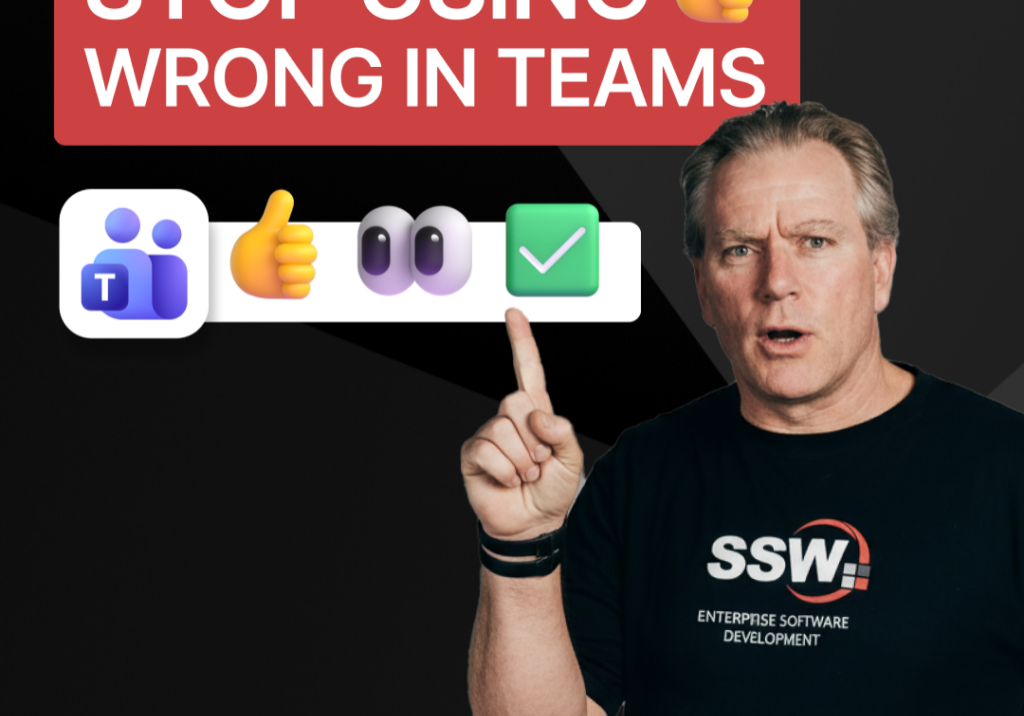
Stop Using 👍 Wrong in Teams | Adam Cogan

A quick communication tip from Adam Cogan: don’t use 👍 as a catch-all response when someone assigns you a task in Teams, Slack, or Google Chat. In the example Adam gives, if a task will take about five minutes, a thumbs up is too ambiguous because it does not clearly say whether you’ve read it, agree with it, are doing it now, or will do it later. Instead, use 👍 for agreement, 👀 to show you’ve seen the task and are actively working on it, and then replace 👀 with ✅ once the task is done. It is a small change, but it removes ambiguity and cuts down unnecessary follow-up messages.

How to record a done video in SSW | Sylvia Huang | SSW Rules

Sylvia Huang from SSW shares her SSW Cultural Exchange experience from Hangzhou, China to Australia

4 Essential Sales Tips for Engineers | Adam Cogan

Not a salesman? No problem. Adam Cogan shares 4 practical tips to help engineers navigate sales meetings with confidence. Learn how to stop “selling” and start solving, how to talk numbers without the awkwardness, and why being transparent about your process wins more clients.

Do you explain why you’ve deleted or updated an appointment? | Adam Cogan | SSW Rules

Ever wonder why a meeting was moved or cancelled? Adam Cogan explains the “Secret Ingredient” to professional scheduling: always include a version history and reason for change at the top of your appointments. Improve clarity, keep a record of changes, and hold participants accountable with this simple SSW Rule.

Chat first before changing others’ code | Adam Cogan

Changing someone else’s code? Don’t just dive in! Adam explains why it’s important to check the source history and talk to the original developer before making changes. A quick chat can save headaches and keep everyone on the same page. Perfect advice for devs working in teams!

SSW TimePro – Create a new tenant | Jeoffrey Fischer

Learn how to provision a new tenant in TimePro and sync it with an external Dynamics 365 CRM system.

How to Report Bugs in Seconds | Brady Stroud

Tired of tedious bug reporting? Watch how Brady uses YakShaver.ai to turn a quick screen recording into a professional PBI instantly.