Marlon Marescia sits down with Daniel Keegan of Mindjet to discuss how to make your team more productive with SharePoint using Mindjet

SharePoint is Microsoft’s fastest growing server product in the company’s history. Microsoft claims that 80 % of Fortune 500 companies are using SharePoint.

With so many end users moving on the platform IT managers are having issues with user adoption. It is a real issue many companies are struggling with.

Daniel Keegan from Mindjet sits with Marlon Marescia to discuss these issues and how Mindjet can help user adoption around:

  1. Navigation
  2. Brainstorming and ideation
  3. Project management

If you want to make it even easier for your end users to find the right information quickly in SharePoint you don’t want to miss this demo.

About the speakers

About the speakers

Productivity Pioneer

Mindjet Account Executive, Daniel Keegan, is one of the company’s most successful Account Executives. Originating from the USA, he now works with large, Australian and New Zealand enterprise companies from Mindjet’s Sydney office to improve their brainstorming, information management and project planning activities. He is also well versed at supporting SharePoint users and administrators strategies to increase user adoption and knowledge management by effectively employing Mindjet as a complementary tool.

Related videos

Related videos

3 Tips for Better Video Recordings | Adam Cogan

Great coaching can dramatically improve how you present, communicate, and learn. In this video, Adam Cogan shares 3 practical coaching tips that SSW uses every day—from onboarding and role plays to improving video delivery. He explains why having a coach matters, why immediate interruption beats delayed feedback, and how repeating corrections helps lock in better habits.

TinaCMS + Fumadocs: Bring Visual Editing to Your Docs | Hark Singh

Discover how to connect Playwright with AI agents and unlock powerful workflows.

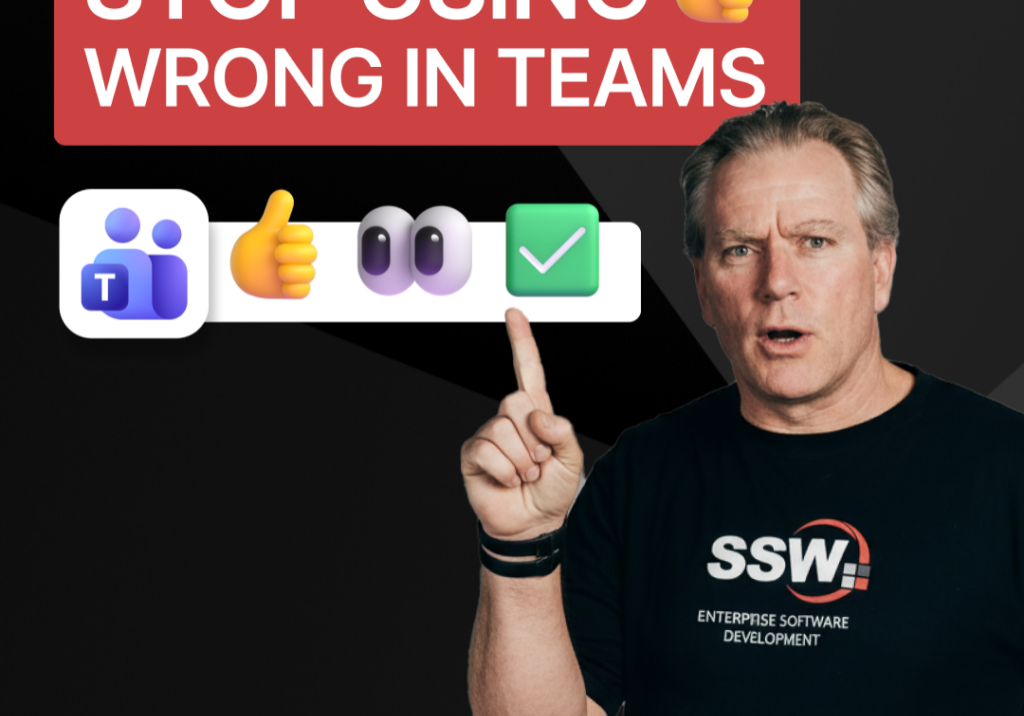
Stop Using 👍 Wrong in Teams | Adam Cogan

A quick communication tip from Adam Cogan: don’t use 👍 as a catch-all response when someone assigns you a task in Teams, Slack, or Google Chat. In the example Adam gives, if a task will take about five minutes, a thumbs up is too ambiguous because it does not clearly say whether you’ve read it, agree with it, are doing it now, or will do it later. Instead, use 👍 for agreement, 👀 to show you’ve seen the task and are actively working on it, and then replace 👀 with ✅ once the task is done. It is a small change, but it removes ambiguity and cuts down unnecessary follow-up messages.

How to record a done video in SSW | Sylvia Huang | SSW Rules

Sylvia Huang from SSW shares her SSW Cultural Exchange experience from Hangzhou, China to Australia

4 Essential Sales Tips for Engineers | Adam Cogan

Not a salesman? No problem. Adam Cogan shares 4 practical tips to help engineers navigate sales meetings with confidence. Learn how to stop “selling” and start solving, how to talk numbers without the awkwardness, and why being transparent about your process wins more clients.

Do you explain why you’ve deleted or updated an appointment? | Adam Cogan | SSW Rules

Ever wonder why a meeting was moved or cancelled? Adam Cogan explains the “Secret Ingredient” to professional scheduling: always include a version history and reason for change at the top of your appointments. Improve clarity, keep a record of changes, and hold participants accountable with this simple SSW Rule.

Chat first before changing others’ code | Adam Cogan

Changing someone else’s code? Don’t just dive in! Adam explains why it’s important to check the source history and talk to the original developer before making changes. A quick chat can save headaches and keep everyone on the same page. Perfect advice for devs working in teams!

SSW TimePro – Create a new tenant | Jeoffrey Fischer

Learn how to provision a new tenant in TimePro and sync it with an external Dynamics 365 CRM system.

How to Report Bugs in Seconds | Brady Stroud

Tired of tedious bug reporting? Watch how Brady uses YakShaver.ai to turn a quick screen recording into a professional PBI instantly.

White space – Tips for recording demo | Adam Cogan

Awkward pauses can ruin an otherwise good presentation. In this video, Adam shares a simple tip to handle white space during demos and recordings. By telling your audience what’s about to happen, you avoid silence, cut out useless fillers, and sound more confident. Perfect for product demos, meetings, or presentations on any stage.