Do you know how to get the best performance from your EF Core projects? SSW Senior Software Architect Andreas Lengkeek speaks with SSW Solution Architect Jernej (JK) Kavka about common mistakes on EF Core projects and how to fix them.

——————————————————————————

Jernej Kavka (JK) is an SSW Solution Architect, Microsoft AI MVP and organizer of the Brisbane AI user group. JK is a full-stack .NET developer, but his passion lies in Azure Cognitive Services, AI and machine learning. He is the main architect behind SSW’s virtual receptionist – SSW SophieBot and SSW SophieHub: https://sswsophie.com JK loves working on Blazor, Angular, .NET Core, and Cognitive Services. His most recent projects have featured Docker, AKS (Azure Kubernetes Services) and Machine Learning development. He loves containers and Kubernetes and enjoys showing others the immense possibilities that Container technology has to offer. In addition to being an expert in ASP, .NET Core, Angular, and Azure DevOps, Jernej is also proficient on Windows platform development from legacy applications (using C#, WinForms, WPF, …) changing them into modern applications (using Windows Store, Windows Universal applications, and Xamarin). Lately, he’s sharpening his skills with Cognitive Services as well as Machine Learning.

https://www.ssw.com.au/people/jk

——————————————————————————

See more videos at http://tv.ssw.com

For more information about SSW’s web application consulting services, please visit https://www.ssw.com.au/ssw/Consulting/Web-Applications.aspx

Created by SSW TV | Videos By Developers, For Developers

v2

About the speakers

About the speakers

Jernej Kavka (JK)

Jernej Kavka (JK) is an SSW Solution Architect, Microsoft AI MVP and organizer of the Brisbane AI user group. JK is a full-stack .NET developer, but his passion lies in Azure Cognitive Services, AI and machine learning.

Related videos

Related videos

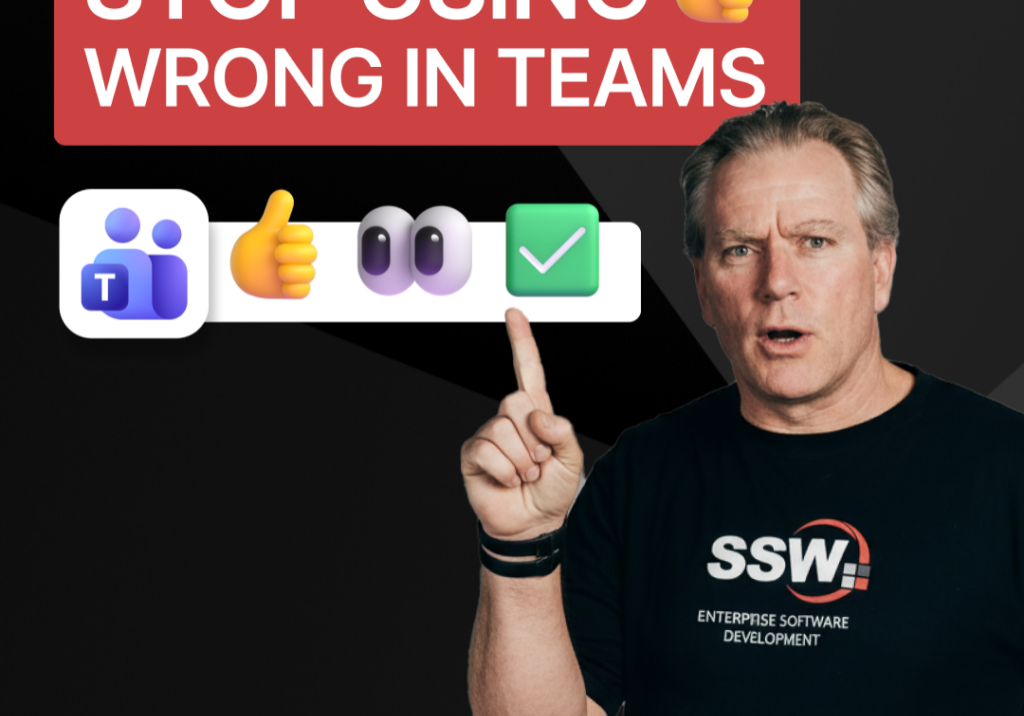
Stop Using 👍 Wrong in Teams | Adam Cogan

A quick communication tip from Adam Cogan: don’t use 👍 as a catch-all response when someone assigns you a task in Teams, Slack, or Google Chat. In the example Adam gives, if a task will take about five minutes, a thumbs up is too ambiguous because it does not clearly say whether you’ve read it, agree with it, are doing it now, or will do it later. Instead, use 👍 for agreement, 👀 to show you’ve seen the task and are actively working on it, and then replace 👀 with ✅ once the task is done. It is a small change, but it removes ambiguity and cuts down unnecessary follow-up messages.

How to record a done video in SSW | Sylvia Huang | SSW Rules

Sylvia Huang from SSW shares her SSW Cultural Exchange experience from Hangzhou, China to Australia

4 Essential Sales Tips for Engineers | Adam Cogan

Not a salesman? No problem. Adam Cogan shares 4 practical tips to help engineers navigate sales meetings with confidence. Learn how to stop “selling” and start solving, how to talk numbers without the awkwardness, and why being transparent about your process wins more clients.

Do you explain why you’ve deleted or updated an appointment? | Adam Cogan | SSW Rules

Ever wonder why a meeting was moved or cancelled? Adam Cogan explains the “Secret Ingredient” to professional scheduling: always include a version history and reason for change at the top of your appointments. Improve clarity, keep a record of changes, and hold participants accountable with this simple SSW Rule.

Chat first before changing others’ code | Adam Cogan

Changing someone else’s code? Don’t just dive in! Adam explains why it’s important to check the source history and talk to the original developer before making changes. A quick chat can save headaches and keep everyone on the same page. Perfect advice for devs working in teams!

SSW TimePro – Create a new tenant | Jeoffrey Fischer

Learn how to provision a new tenant in TimePro and sync it with an external Dynamics 365 CRM system.

How to Report Bugs in Seconds | Brady Stroud

Tired of tedious bug reporting? Watch how Brady uses YakShaver.ai to turn a quick screen recording into a professional PBI instantly.

White space – Tips for recording demo | Adam Cogan

Awkward pauses can ruin an otherwise good presentation. In this video, Adam shares a simple tip to handle white space during demos and recordings. By telling your audience what’s about to happen, you avoid silence, cut out useless fillers, and sound more confident. Perfect for product demos, meetings, or presentations on any stage.

Don’t throw things over the fence until you’ve done what you can | Adam Cogan

“Throwing it over the fence” means passing your work or problem to others. This short video delivers one clear message: before you hand something off, do what you can yourself. It’s a simple reminder about responsibility, effort, and ownership in work, teamwork, and daily life.

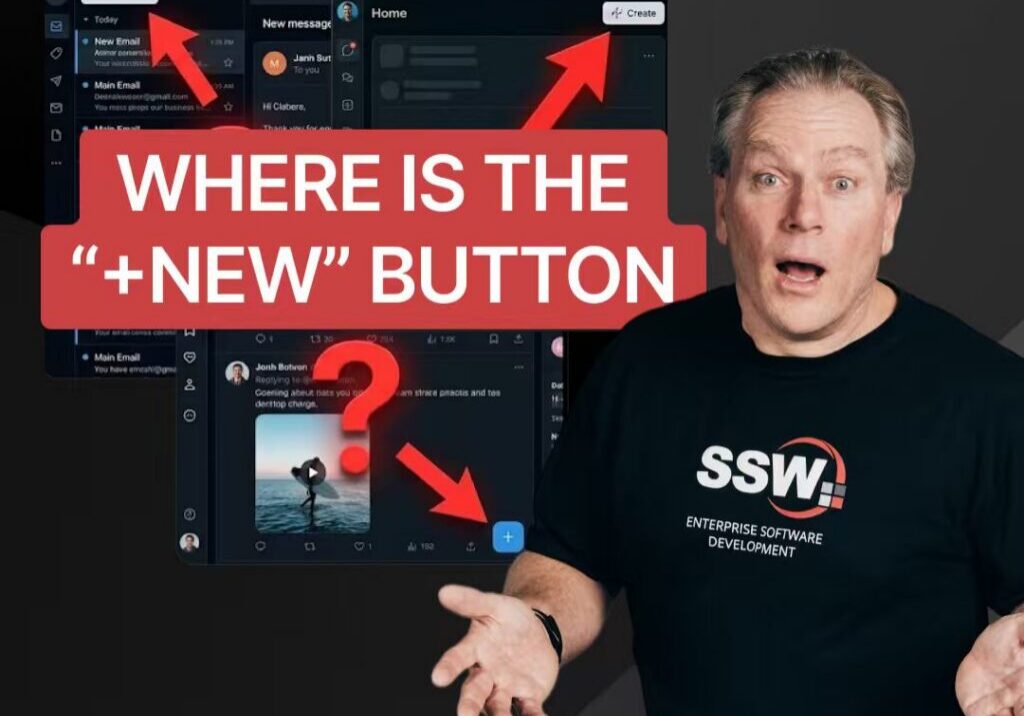
Why No One Can Agree on the “New” Button? | Adam Cogan

Struggling to juggle a hotfix while mid-feature without losing your flow?