Never has there been a more exciting time to be on the forefront of technology, with HoloLens poised to be a major game-changer.

SSW was one of the 1st companies in Australia to purchase the $3000 HoloLens developer edition

Microsoft originally assumed it would be a gaming product, but surprisingly, these dev editions are not mostly being purchased by entertainment or gaming companies. In fact the business demand of this product has dramatically outperformed Microsoft’s expectations.

During this presentation, Stephen Carter will take you through

  • The history of the hologram, from fiction and Sci-Fi to reality
  • Commercial applications of HoloLens, including how this technology will be such a game-changer across many industries
  • Some fun applications
  • How you can easily get onboard with HoloLens development…. and NO, you don’t need a HoloLens to get started! (Please checkout Part 2 below)

With an actual, real, true life, working HoloLens to demonstrate, this presentation is not to be missed.

Part 2 – HoloLens Development using Unity and VS 2015

Want to know how you can create an app for HoloLens, even if you don’t have one at hand?

Watch this video to see exactly how to do that; Stephen Carter – SSW Senior Software Architect – will take you through how you can use Unity and Visual Studio to create a working HoloLens app. He will show you how to use the HoloLens emulator so you can actually test and play around with your creation.

This is a must watch for anyone interested in holographic programming.

Take the Poll!

Will you start HoloLens development?

About the speakers

About the speakers

Mr HoloLens

Stephen Carter is a Senior Software Architect with SSW with a background in business and emergency services.

During his 30 year career, Stephen has ridden the crest of numerous technological tsunamis, from the birth of the internet in the early 90’s, through to the introduction of mobile phones and mobile internet.

Stephen believes we are on the crest of another technological revolution with the release of Microsoft’s HoloLens, and he is champing at the bit to explore the world of mixed reality and to share his learnings with developers, business, and enthusiasts alike.

Related videos
Related videos

Treat Your Code Like Uranium | Adam Cogan

Adam Cogan shares a striking story comparing two World War II factories—one ordinary, one handling uranium—and the surprising lesson that the uranium workers lived longer because they followed disciplined, risk-aware practices. He connects that idea to software teams: the best outcomes come from careful habits like automated tests, telemetry, pull requests, retrospectives, shared rules, and good tools. The message is simple: treat software delivery with the same respect as dangerous work, and you’ll reduce stress, avoid chaos, and get better results.

3 Tips for Better Video Recordings | Adam Cogan

Great coaching can dramatically improve how you present, communicate, and learn. In this video, Adam Cogan shares 3 practical coaching tips that SSW uses every day—from onboarding and role plays to improving video delivery. He explains why having a coach matters, why immediate interruption beats delayed feedback, and how repeating corrections helps lock in better habits.

TinaCMS + Fumadocs: Bring Visual Editing to Your Docs | Hark Singh

Discover how to connect Playwright with AI agents and unlock powerful workflows.

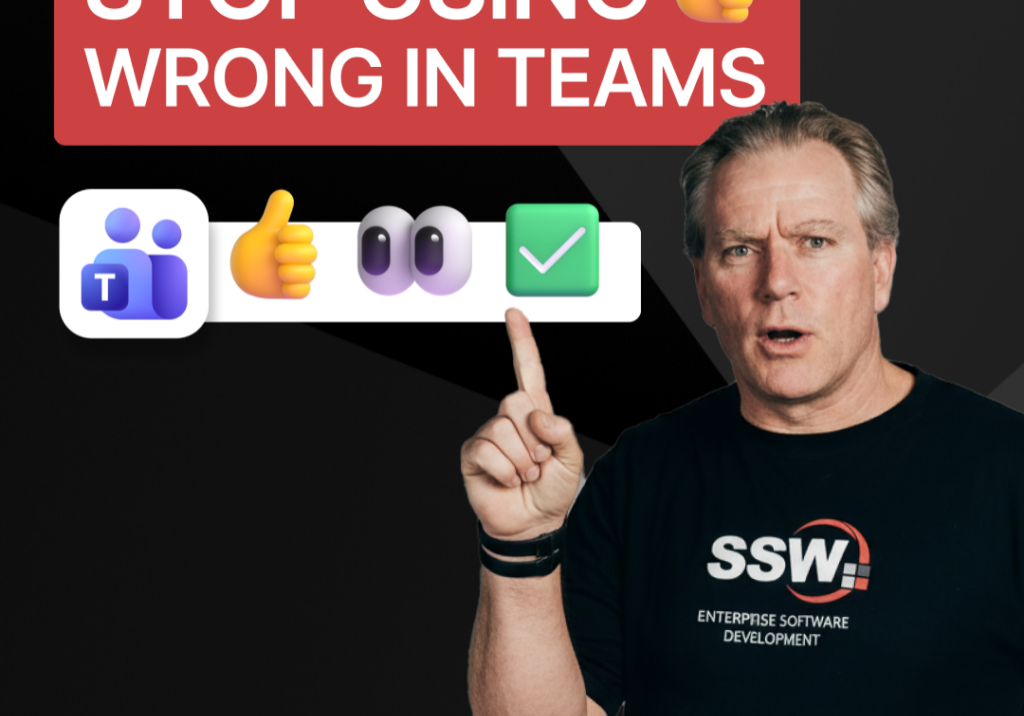
Stop Using 👍 Wrong in Teams | Adam Cogan

A quick communication tip from Adam Cogan: don’t use 👍 as a catch-all response when someone assigns you a task in Teams, Slack, or Google Chat. In the example Adam gives, if a task will take about five minutes, a thumbs up is too ambiguous because it does not clearly say whether you’ve read it, agree with it, are doing it now, or will do it later. Instead, use 👍 for agreement, 👀 to show you’ve seen the task and are actively working on it, and then replace 👀 with ✅ once the task is done. It is a small change, but it removes ambiguity and cuts down unnecessary follow-up messages.

How to record a done video in SSW | Sylvia Huang | SSW Rules

Sylvia Huang from SSW shares her SSW Cultural Exchange experience from Hangzhou, China to Australia

4 Essential Sales Tips for Engineers | Adam Cogan

Not a salesman? No problem. Adam Cogan shares 4 practical tips to help engineers navigate sales meetings with confidence. Learn how to stop “selling” and start solving, how to talk numbers without the awkwardness, and why being transparent about your process wins more clients.

Do you explain why you’ve deleted or updated an appointment? | Adam Cogan | SSW Rules

Ever wonder why a meeting was moved or cancelled? Adam Cogan explains the “Secret Ingredient” to professional scheduling: always include a version history and reason for change at the top of your appointments. Improve clarity, keep a record of changes, and hold participants accountable with this simple SSW Rule.

Chat first before changing others’ code | Adam Cogan

Changing someone else’s code? Don’t just dive in! Adam explains why it’s important to check the source history and talk to the original developer before making changes. A quick chat can save headaches and keep everyone on the same page. Perfect advice for devs working in teams!

SSW TimePro – Create a new tenant | Jeoffrey Fischer

Learn how to provision a new tenant in TimePro and sync it with an external Dynamics 365 CRM system.

How to Report Bugs in Seconds | Brady Stroud

Tired of tedious bug reporting? Watch how Brady uses YakShaver.ai to turn a quick screen recording into a professional PBI instantly.